PHOTO → DETECT → ARRANGE → PRINT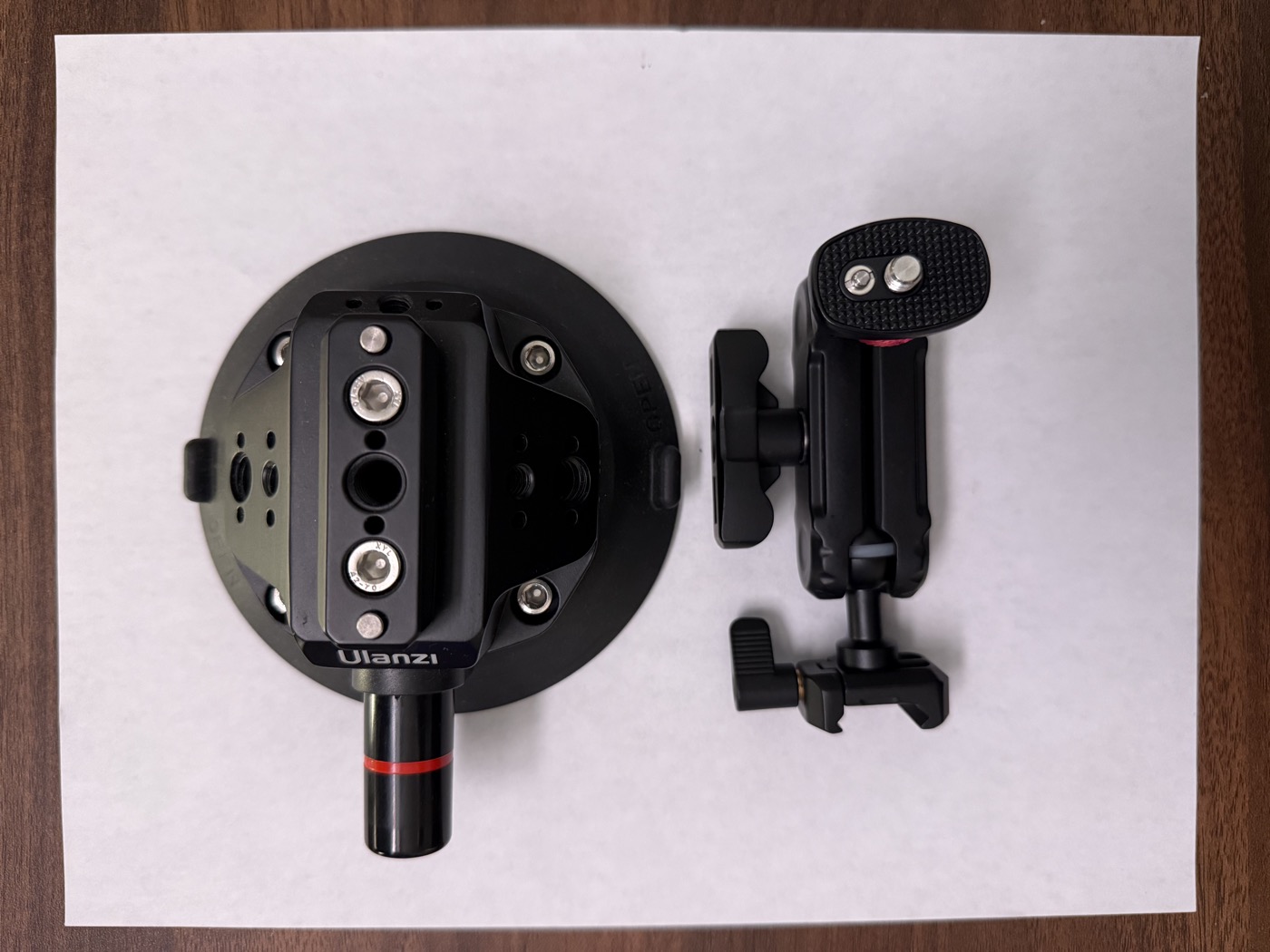 12
12
Photo in. Custom insert out.
Snap a photo of your tools on a reference sheet. Tooltrace detects their outlines, arranges them in a tray, and exports a Gridfinity STL and a 1:1 print-test PDF.
1212210 mm
01
Snap a photo
Place tools on the printed reference sheet and upload a top-down photo.
02
Arrange
Auto-detected outlines become draggable pockets. Set depths and spacing.
03
Export
Download an STL for your printer and a 1:1 PDF to test-fit on paper first.